
01
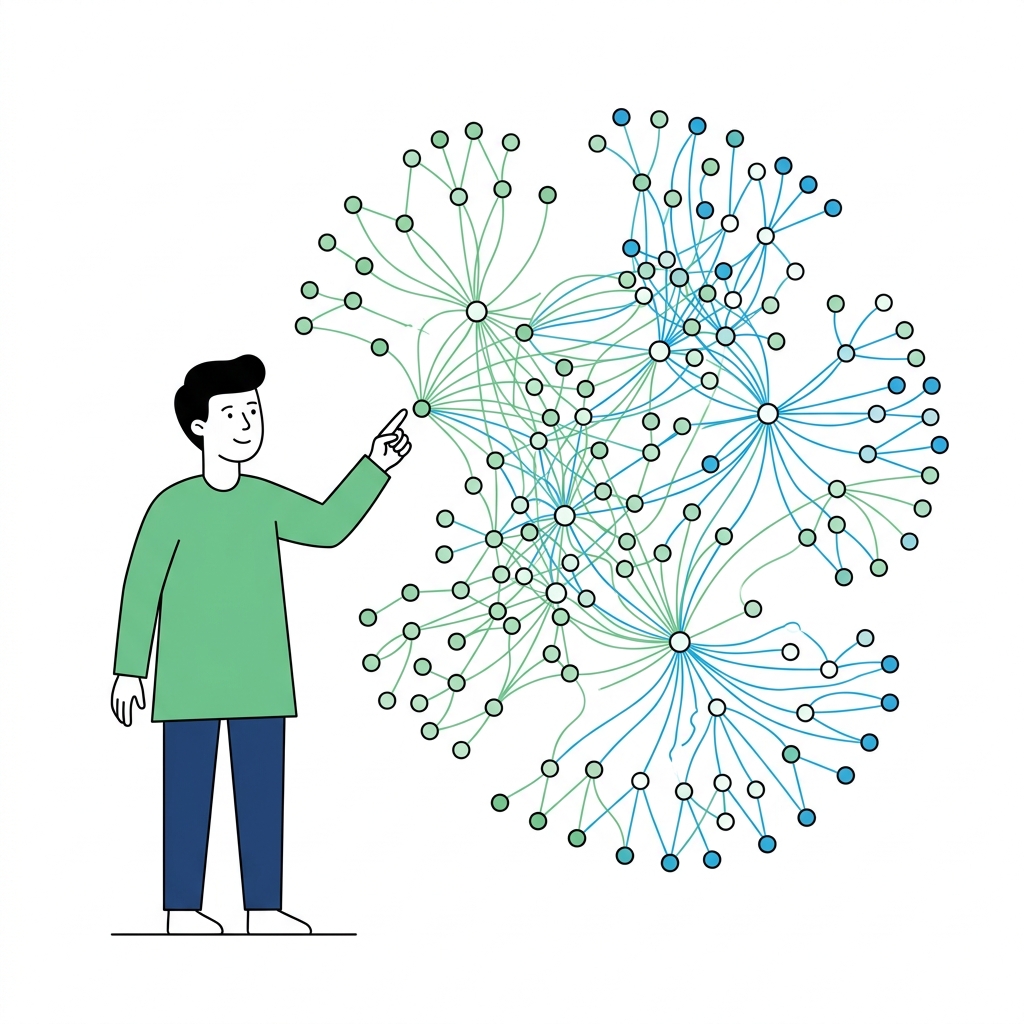
Requirements should not sit alone
Context You Can Trace Back
Connect requirements, technical notes, design references, and external resources. Readers can see where a spec came from and what it touches.
DahTahDoc keeps specs, version changes, related context, and QA test cases in one handoff flow. When a spec ships, QA knows what to look at next.
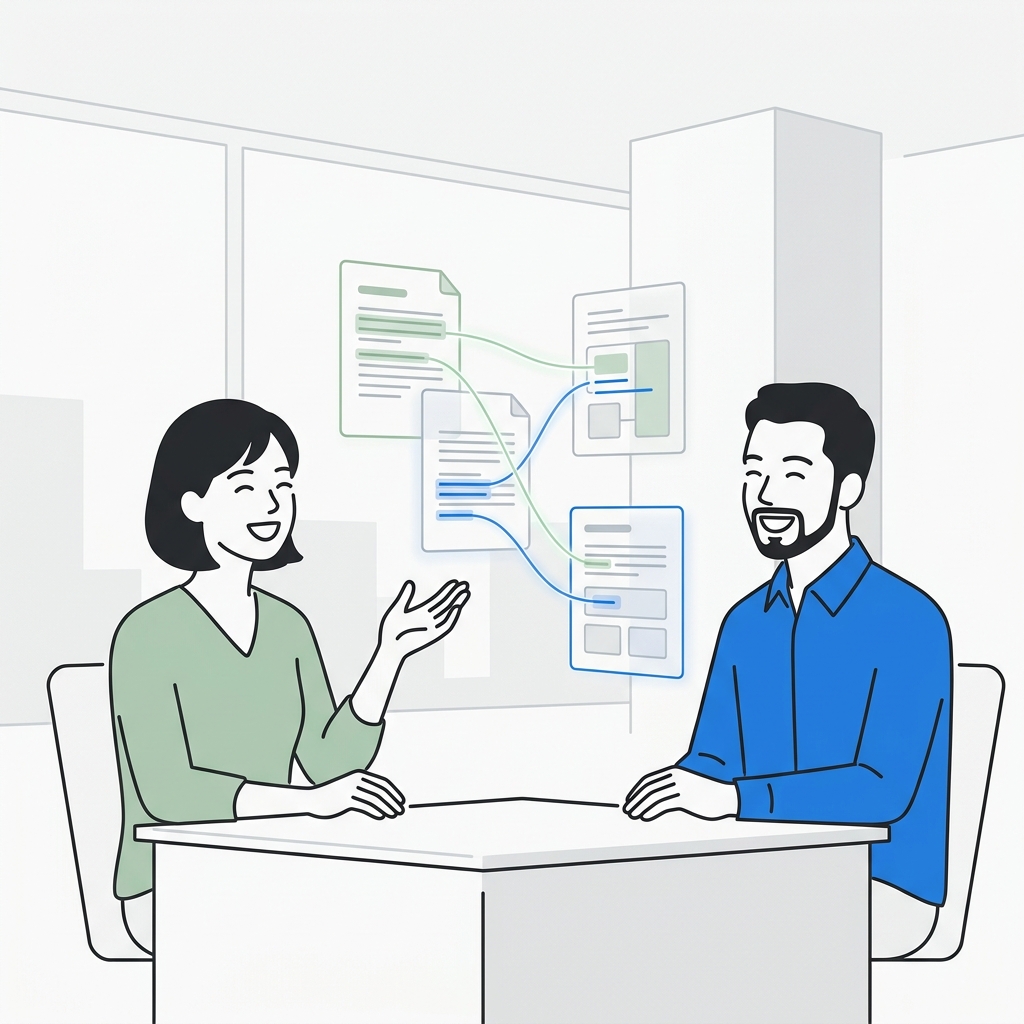
DahTahDoc starts with the places handoffs usually break: missing context, unclear changes, and QA not knowing which cases need another look.
Requirements should not sit alone
Connect requirements, technical notes, design references, and external resources. Readers can see where a spec came from and what it touches.
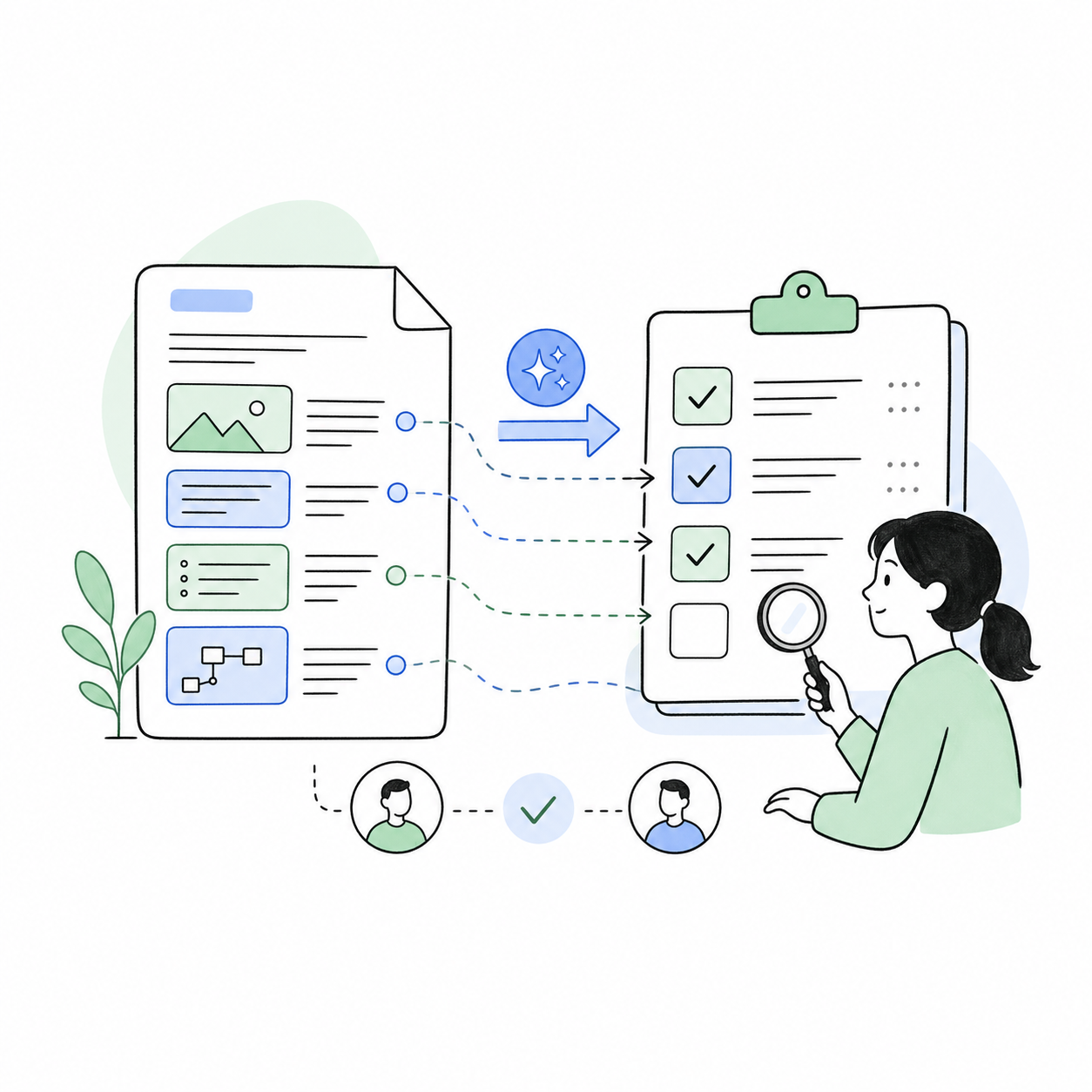
Published specs give QA a next step
Create a linked QA document when a spec is published. Later changes show up in the QA document, so testers know what may need another look.
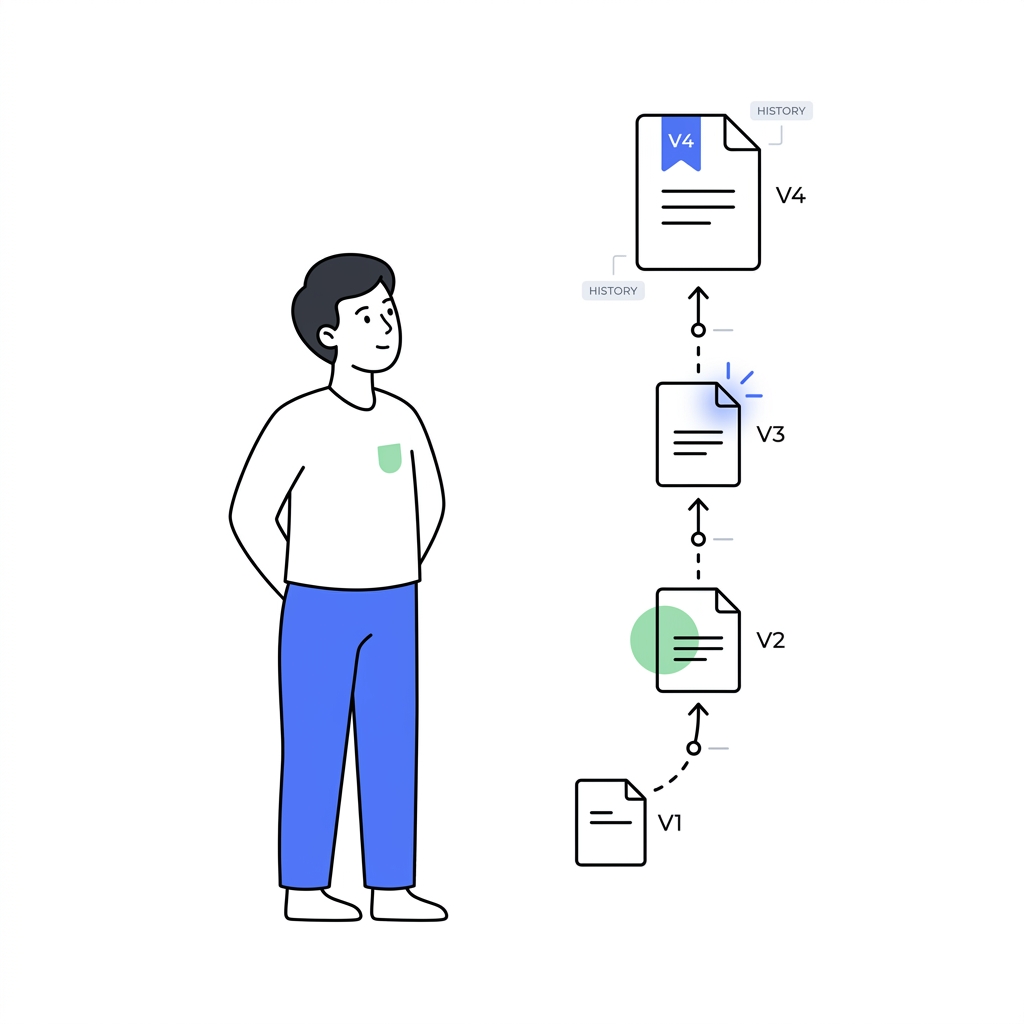
No more guessing which version matters
Publish named versions and review diffs, so PMs, SAs, engineering, and QA can talk about the same change instead of piecing it together later.
Beyond Spec-to-QA, DahTahDoc keeps the practical pieces close by: side-by-side context, folder questions, templates, document-aware AI, export, and real-time collaboration.
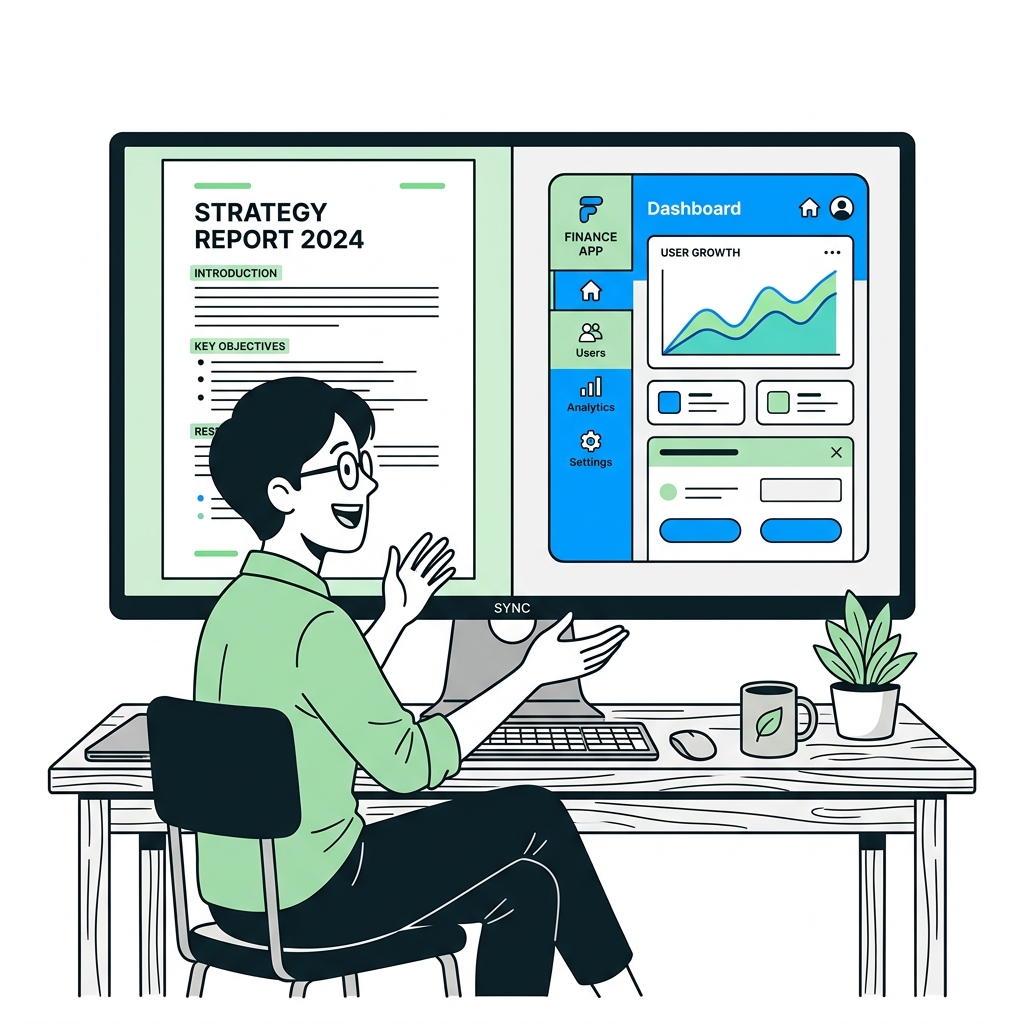
Read the spec next to the thing it depends on.
Keep designs, references, external resources, or QA comments beside the main document instead of jumping across tabs.
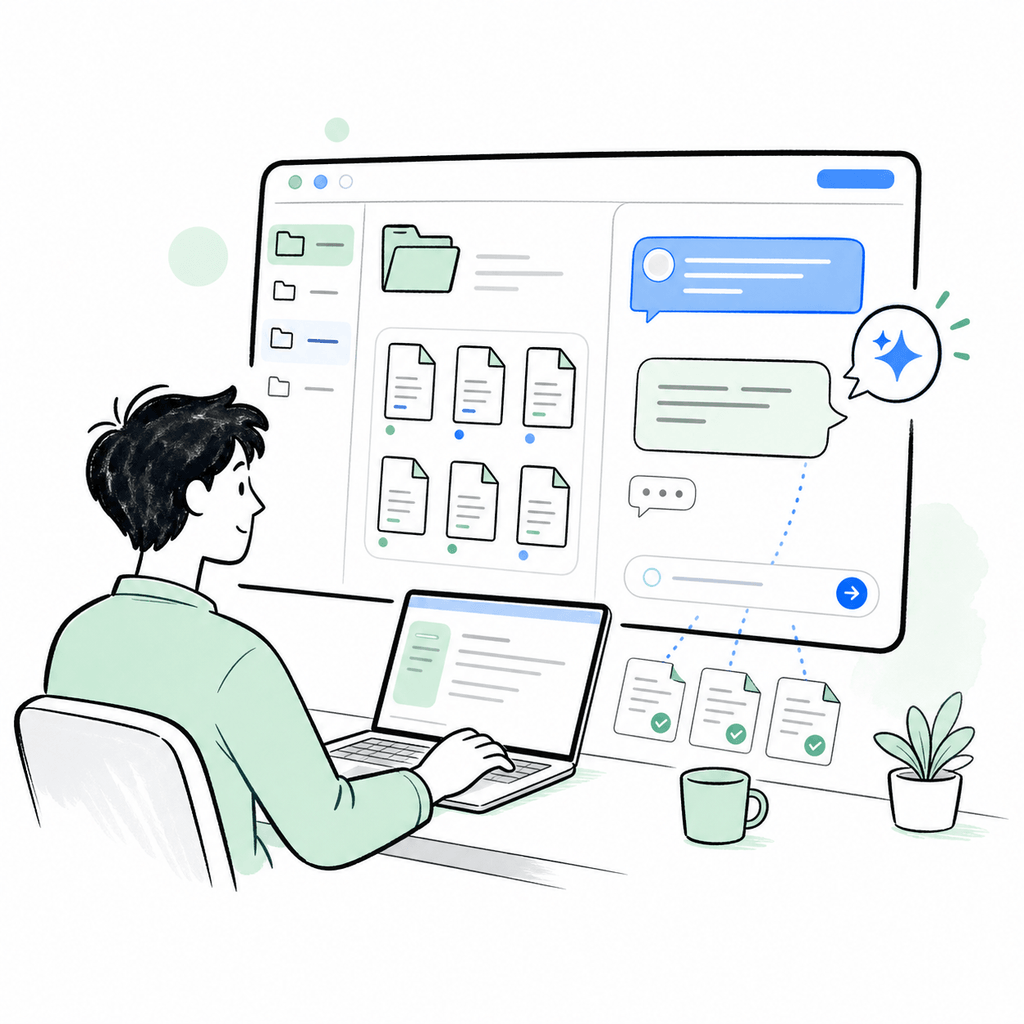
Need the gist of this folder? Ask it.
Open a dedicated Q&A page from a personal or Project folder. AI answers only from documents in that folder, shows source documents, saves your own per-folder history, and lets you clear it.
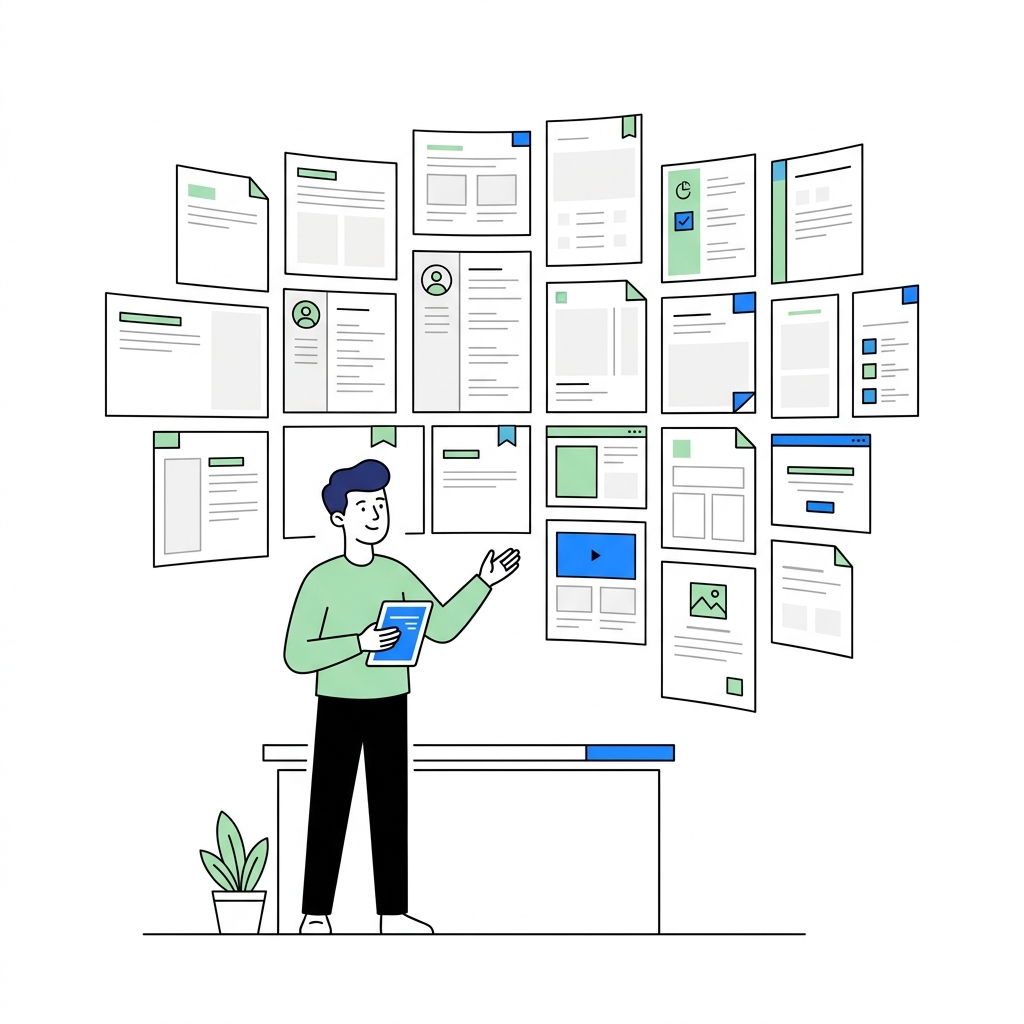
Stop rebuilding the same document skeleton.
Use built-in SA and QA templates, or save your own document skeletons in My Templates when your team has a format it reuses.

General docs, Specs, and QA should not use the same prompt.
Use separate prompts for general documents, Specs, and QA. Specs can use Role Review before publishing, then Reader Brief on published versions so each role can get oriented faster.
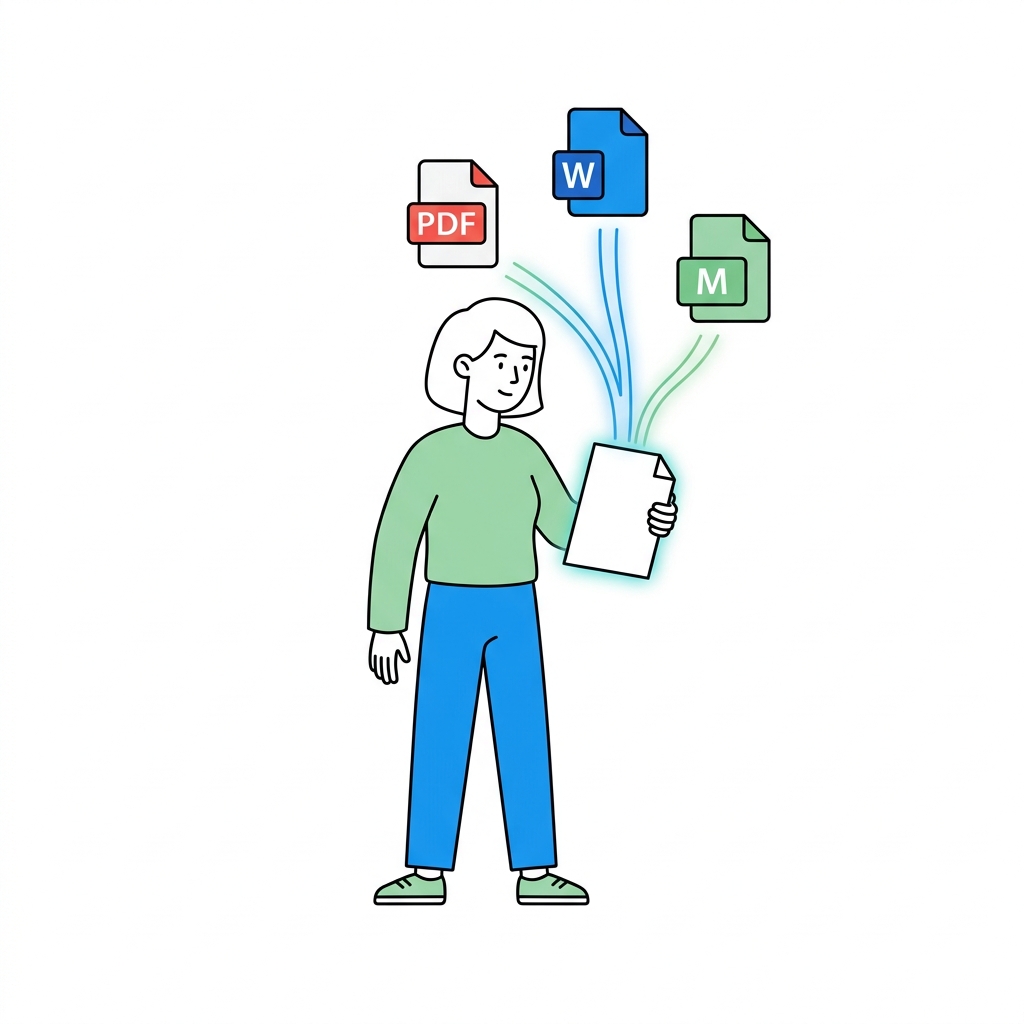
Do the work here. Hand it off anywhere.
Export to Word, PDF, or Markdown when you need to share with clients, stakeholders, or long-term project archives.
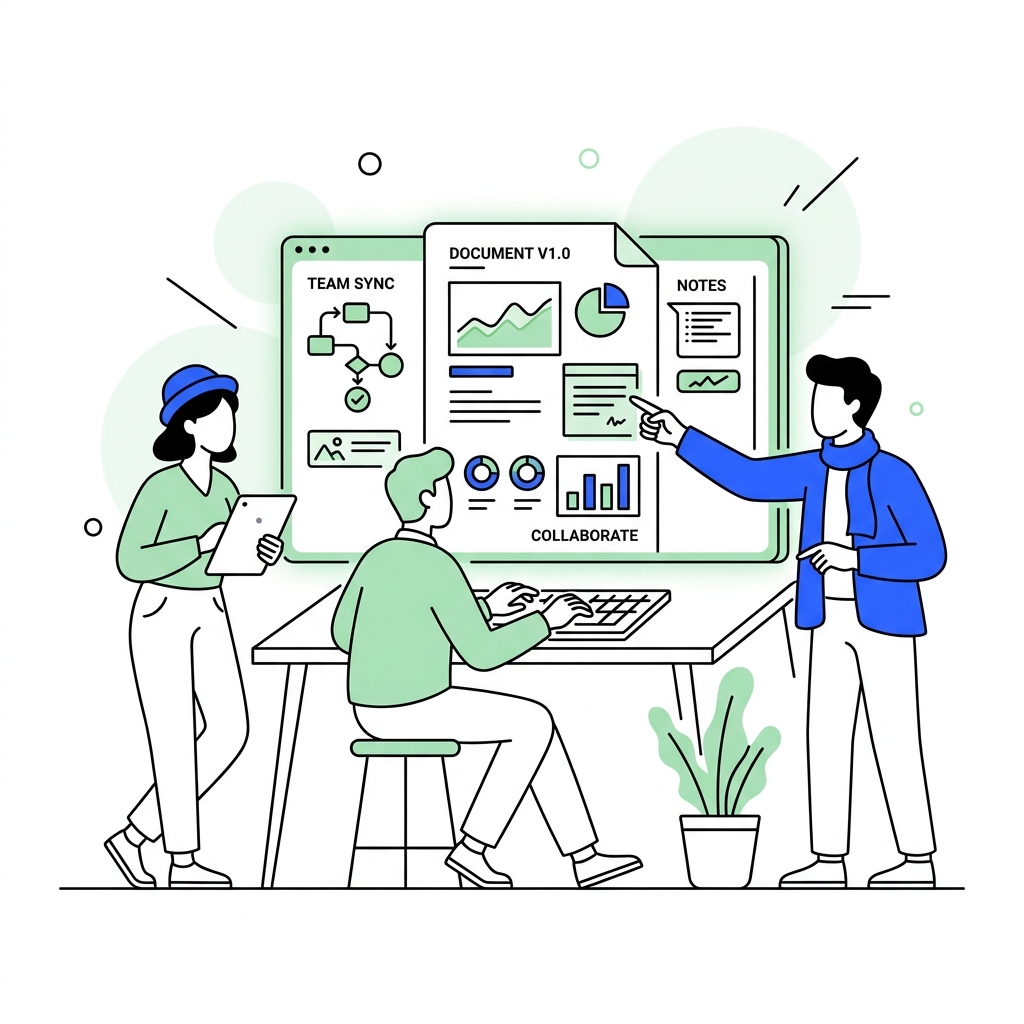
PM, SA, engineering, and QA working from one document.
Keep everyone on the same version while the team writes, reviews, and clarifies the delivery document together.
How each role feels the handoff
Product Manager
Claire

Specs used to drift the moment they were shared. Engineering asked which version mattered, QA asked what changed, and stakeholders asked for the source. Now we have one baseline.
Senior Engineer
Leon

I need more than the task. I need to know why a requirement exists and which version changed it. This cuts down the context switching and the repeat questions.
System Analyst
Kevin

Changing one paragraph used to mean wondering what else it affected. With anchors and version history, it is easier to explain the impact before handoff.
QA Engineer
Jasmine
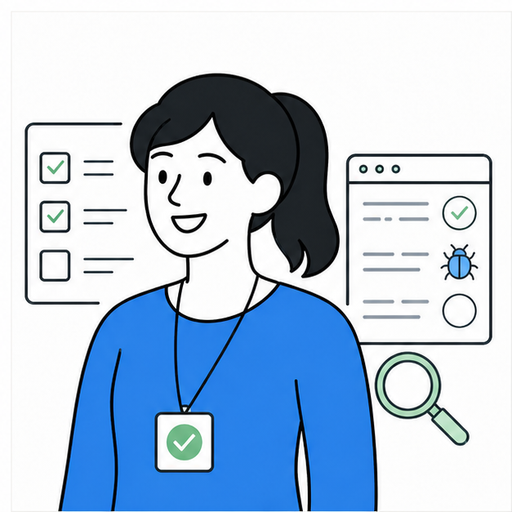
Before this, every spec update meant checking notes, asking PM, then revisiting test cases. Now the QA doc gets the reminder and I can open the diff right away.